Used RAM Buyer's Guide

RAM shortages and price hikes don't make you (r)amused? Get used RAM then. But, reliability matters more than saving a few extra dollars. Use this guide to source and test hardware with confidence.

Trusted Marketplaces

Buy from platforms with established buyer protection and reputable sellers.

eBay

The safest bet for buyer protection. Filter by "Sold" to check fair prices.

r/hardwareswap

Community of enthusiasts. Check "Flair" scores and use PayPal Goods & Services.

Jawa.gg

A specialized PC hardware marketplace with built-in buyer safety checks.

Local Pickup

FB Marketplace or Craigslist. Best for cash deals where you can see the hardware.

Safety Checklist

  • Strong Reputation: Only buy from sellers with positive feedback histories (98%+ on eBay).
  • Clear Return Policies: Ensure a minimum 14-day return window in case the RAM is DOA (Dead on Arrival).
  • Avoid Suspicious Prices: If a high-end DDR5 kit is 70% below retail, it’s likely a scam or unbranded generic junk.
  • No "Unbranded": Avoid generic/white-label listings. Reliability matters more than saving $5 on "Mystery RAM."
Pro Tip: Stick to Corsair, G.Skill, Crucial, or Kingston. They carry lifetime warranties that often follow the hardware.

Testing Protocol

  • Test Immediately: Don't wait. Test modules the same day you receive them to stay within return windows.
  • MemTest86: The gold standard. Boot from a USB and run for at least 4 passes (standard stability check).
  • OCCT Stress Test: Run for 30 minutes in Windows to ensure it handles heat and voltage correctly.
  • CPU-Z Verification: Use this to verify the speed, timings, and serial numbers match the physical sticker.
Warning: A single error in MemTest86 is a fail. Do not keep "partially working" RAM—return it immediately.

Physical Check

  • The "Sniff" Test: Any smell of burnt electronics? It’s a sign of a previous short circuit.
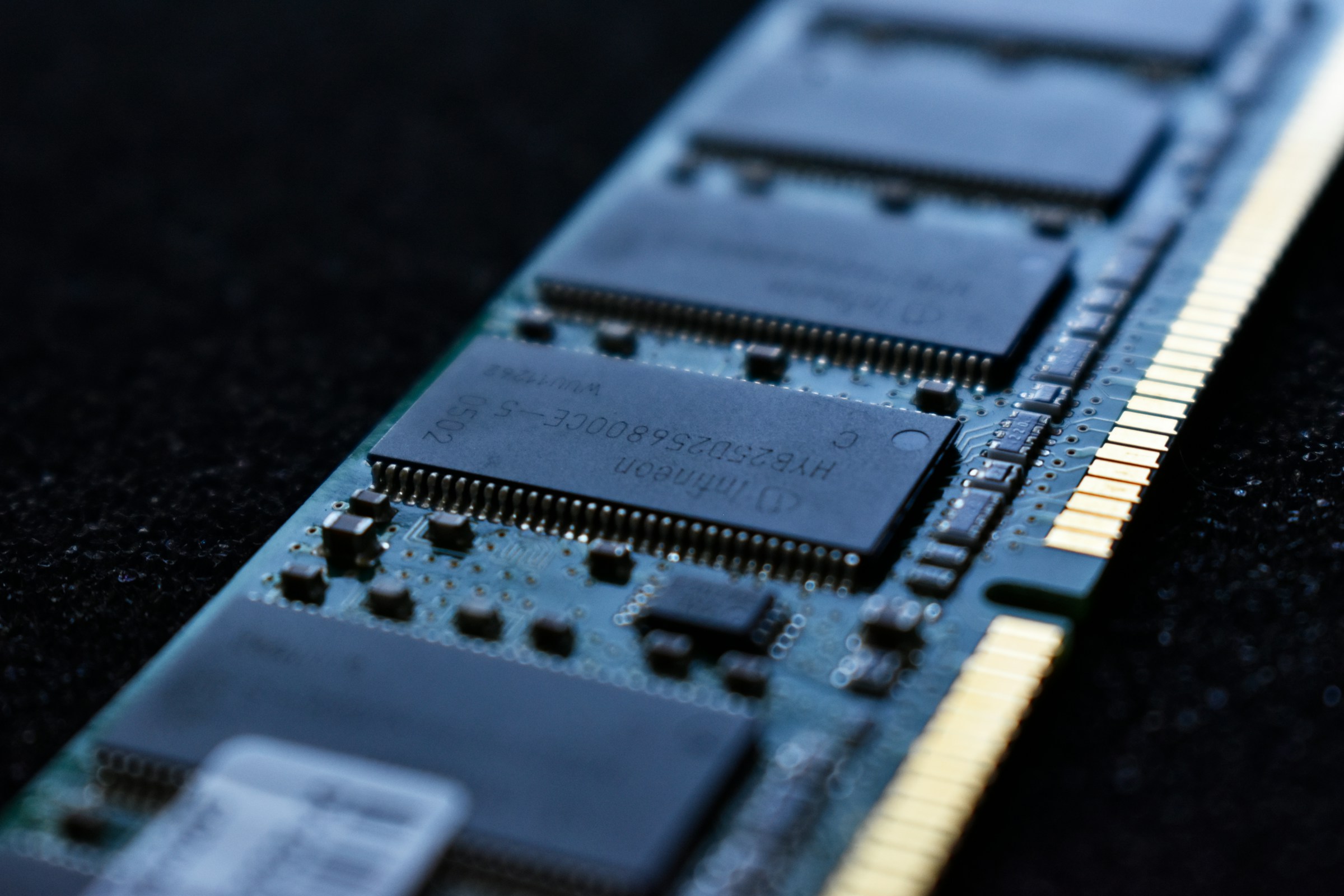
  • Gold Pins: Inspect contacts for missing "teeth" or scratches that break the copper traces.
  • SMD Components: Look for missing tiny black squares near the bottom edge (knocked-off resistors).
  • Labels: Ensure labels aren't peeling or crooked, which can indicate fake or swapped chips.

Summary Checklist

1. Confirm Type

Verify if your system needs DDR4 or DDR5. Desktop (DIMM) vs Laptop (SO-DIMM).

2. Seller History

Check feedback for "Item not as described" complaints. Avoid 0-feedback accounts for high-value RAM.

3. Stress Test

Enable XMP/EXPO in BIOS and run MemTest86 overnight for 100% certainty.

4. Match Revision

When adding to existing RAM, try to match the "Version Number" on the sticker, not just the brand.